macOS 15+ · Apple Silicon and Intel
Pulse for Mac
- values in the menu bar, in four styles
- up to 30 days of history and CSV export
- fan control and a charge limit
- English, German, Polish
version 1.14.3 · .dmg · 6.9 MB · source on GitHub ↗
 contact →
// SYSTEM MONITOR
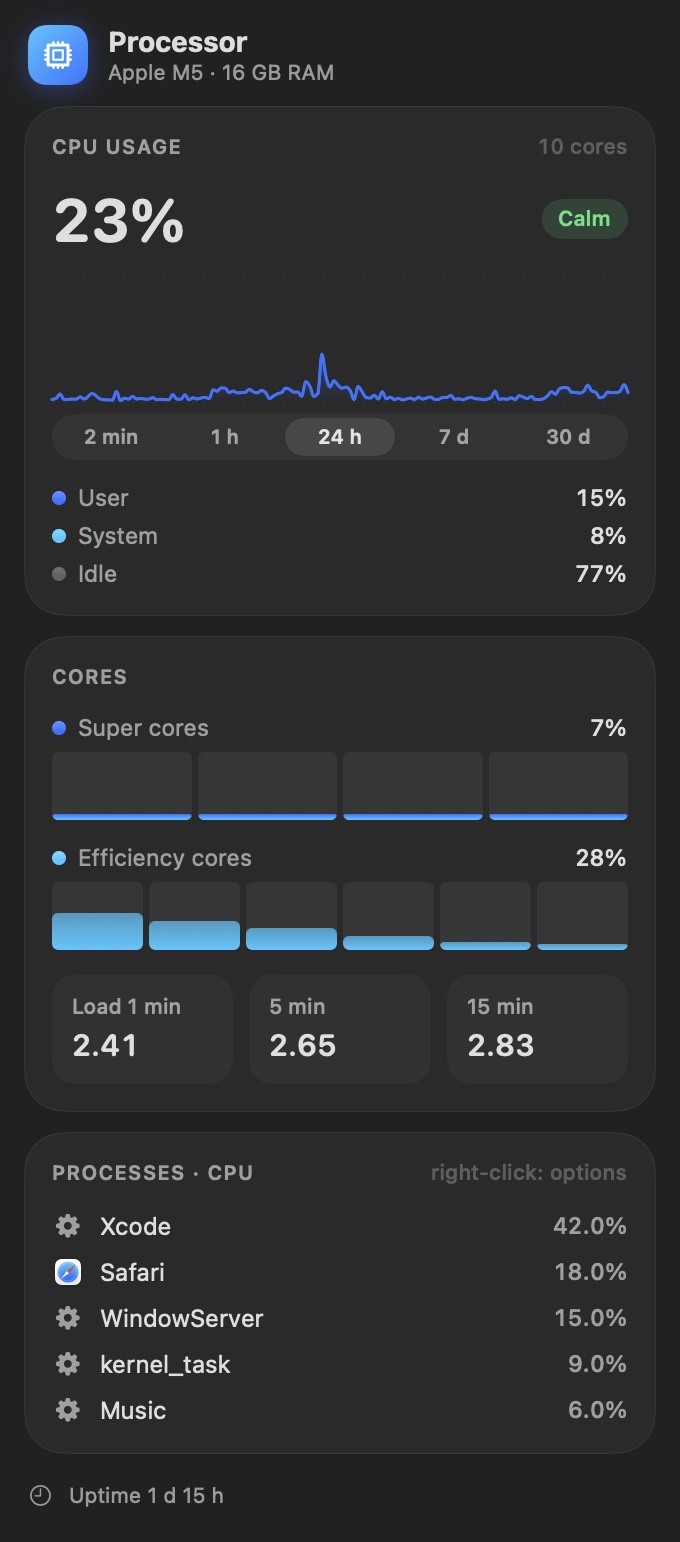
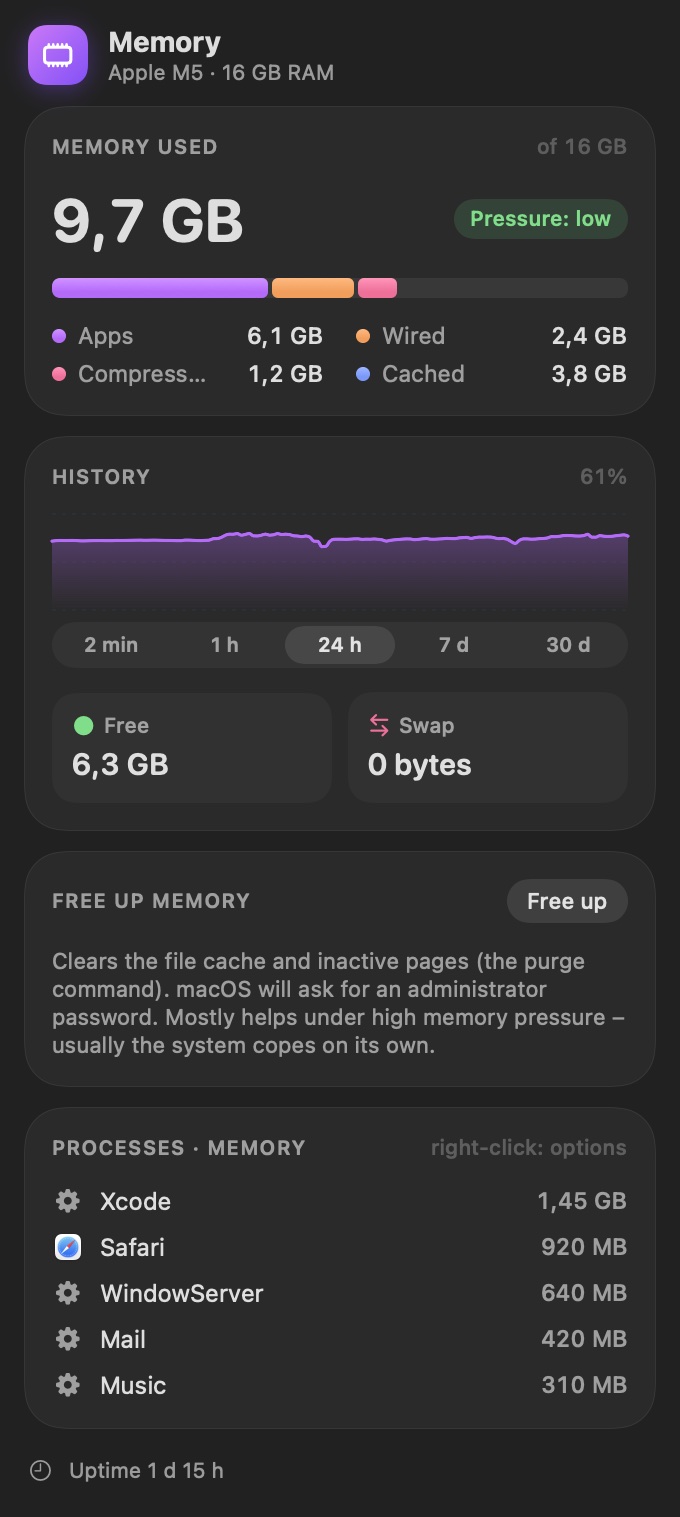
Everything going on inside your computer at a glance: processor, memory, temperatures, network and battery. On a Mac in the menu bar, in Windows next to the clock.
macOS 15+ · Apple Silicon and Intel
version 1.14.3 · .dmg · 6.9 MB · source on GitHub ↗
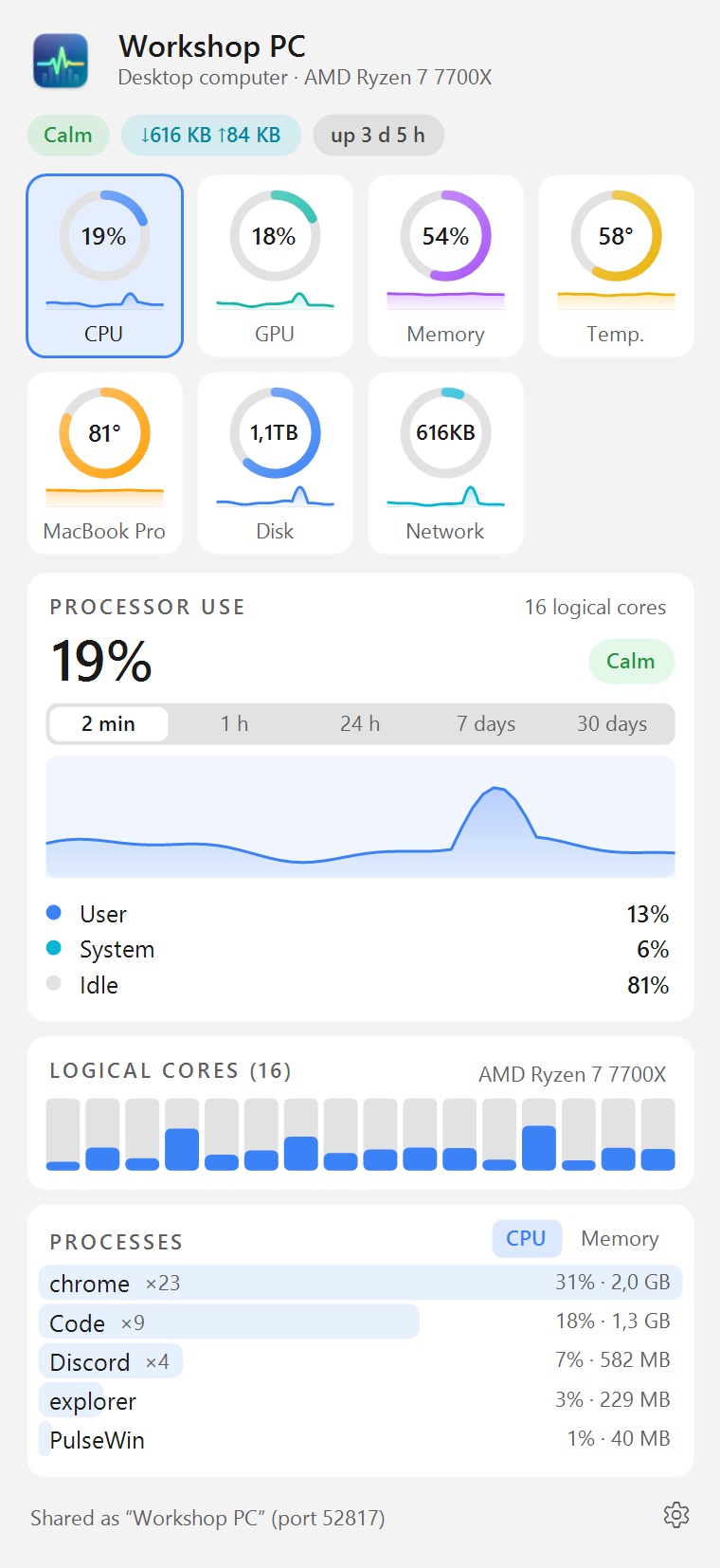
Windows 10 and 11 · x64 and ARM
version 0.10.2 · .exe installer · 53 MB
Pulse for Mac and Pulse for Windows are two separate apps, each made for its own system. They look alike and show the same things, but the Mac version is older and does more. Each has its own page, version number and list of changes. In Windows the app calls itself PulseWin.
Have a Mac and a PC? Pulse on the Mac shows the PC in the “Other computers” panel, and Pulse for Windows shows the Mac: load, memory, temperature and the processes that load each computer most. The computers find each other; you only need to turn on sharing of readings on each one. The data never leaves your local network.
| Pulse for Mac | Pulse for Windows | |
|---|---|---|
| Where you see it | In the menu bar | As icons next to the clock |
| History | From 2 minutes to 30 days, with CSV export | A chart of the last few minutes |
| Other computers on the network | Yes | Yes |
| Fan control | Yes, with a temperature curve | No |
| Battery charge limit | Yes, from 50 to 95% | No |
| Language | English, German, Polish | Polish |
| Updates | Installs them itself | After you agree |
| Requirements | macOS 15 or later, Apple Silicon or Intel | Windows 10 or 11, x64 or ARM processor |
No. There are no accounts, ads or analytics.
The source of the Mac version is on GitHub.
I write about where Pulse came from in the journal.