The two versions see each other
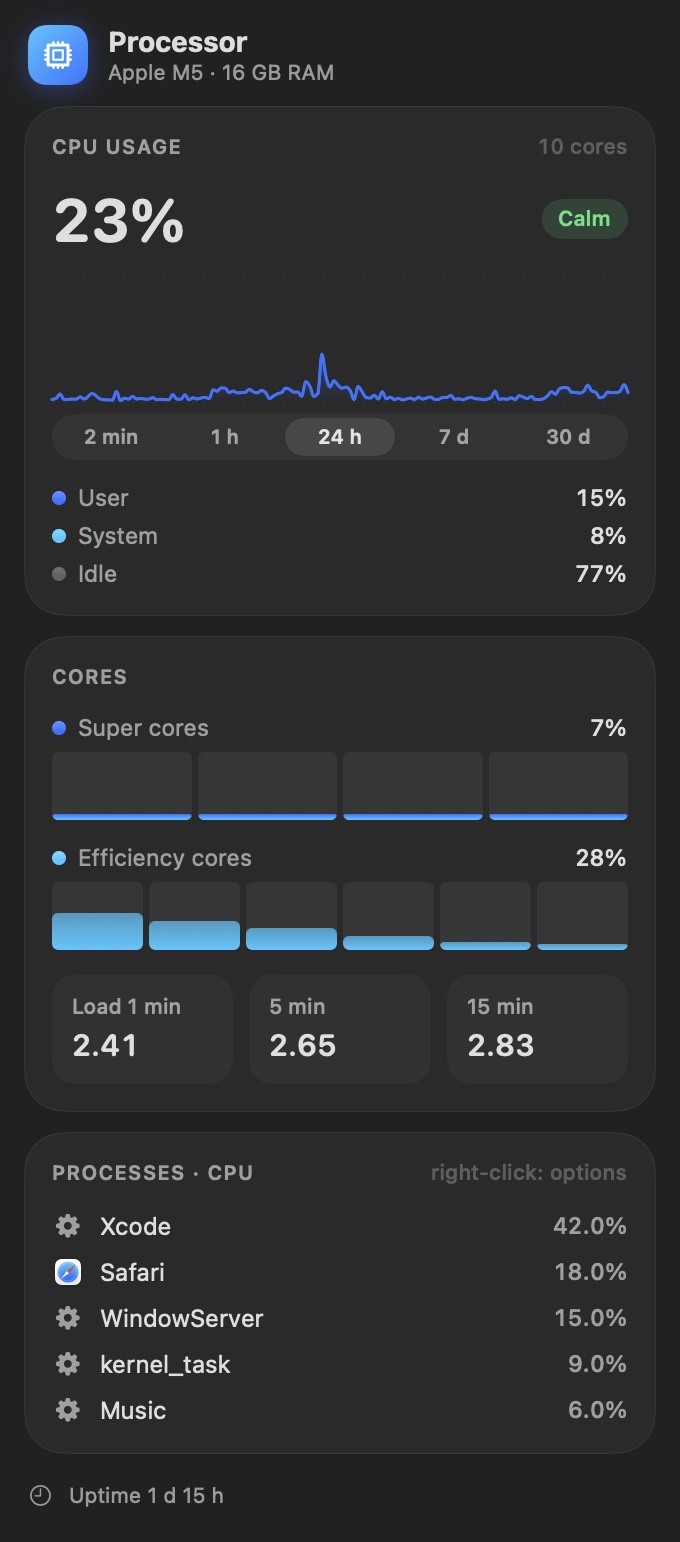
Have a Mac and a Windows PC? Pulse on the Mac shows the PC in the “Other computers” panel, and PulseWin shows the Mac. You see load, memory, temperature and the processes that load that computer most.
There is nothing to set up, the computers find each other. Just turn on sharing of readings on each one. The data never leaves the local network.
I write about where Pulse came from and how it works in the journal.
How they differ
| Pulse for Mac | PulseWin for Windows |
|---|
| Where it lives | In the menu bar | As icons next to the clock |
|---|
| History | From 2 minutes to 30 days, with CSV export | A chart of the last few minutes |
|---|
| Other computers on the network | Yes | Yes |
|---|
| Fan control | Yes, with a temperature curve | No |
|---|
| Battery charge limit | Yes, 50 to 95% | No |
|---|
| Language | English, German, Polish | Polish |
|---|
| Updates | Installs them itself | After you agree |
|---|
| Requirements | macOS 15 or later, Apple Silicon or Intel | Windows 10 or 11, x64 or ARM processor |
|---|
Questions
Do I need an account?
No. There are no accounts, ads or analytics.
I found a bug or have an idea.
Write to kontakt@kakaki.pl.